English · Español · Português (Brasil) · Português (Portugal) · Français · Deutsch · Italiano · Русский · 日本語 · 한국어 · 简体中文
Mind maps for Obsidian
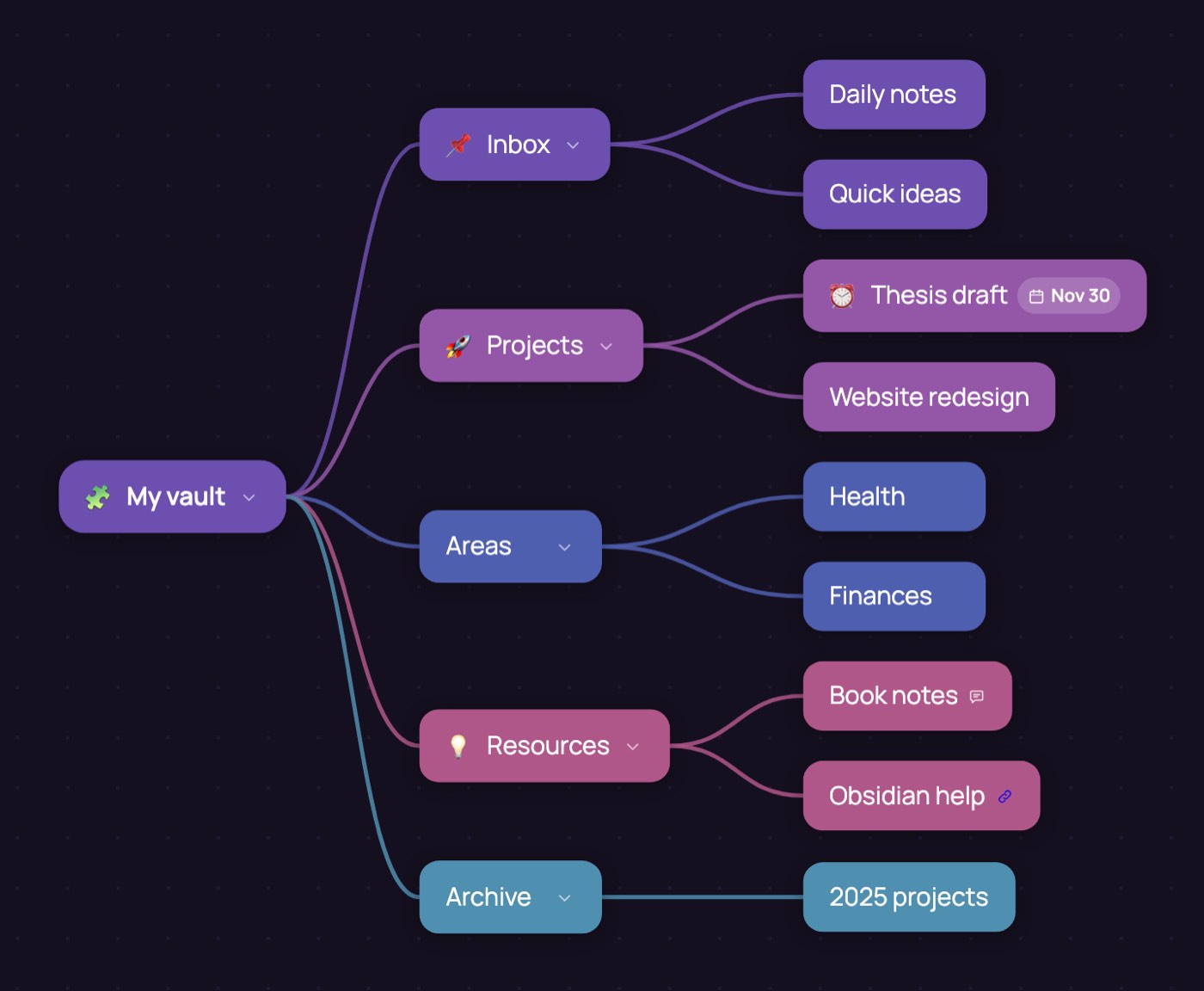
Obsidian Canvas is a whiteboard: every card is placed and every arrow drawn by hand. Dendra is a mind map maker that lays out the bubbles for you, in the browser and for free, then exports the finished map as a canvas for your vault.
Open this example Start from a blank map
Why build the map outside Canvas
Mind mapping is fast when the app does the layout: Tab adds a child, Enter adds the next idea on the same level, and the map tidies itself as it grows. Canvas has no such layout, so a map of thirty ideas becomes a session of dragging boxes. Think in Dendra and send the map to Obsidian once it has a shape.
How to put a mind map in Obsidian
- Build the map in Dendra. Write the topic in the central bubble, then press Tab for each branch and Enter for the next idea beside it.
- Add the details. Give a branch a colour or an icon, a due date, a note or a link. They all go into the canvas.
- Export it. Open the ⋯ menu, go to
Files and press Export to Obsidian. You get a
.canvasfile, or a zip with the images beside it when the map has any. - Drop it into your vault. Move the file, and the images, into any folder of the vault. Obsidian opens it in Canvas, with every bubble where you left it.
What comes across
- Every bubble becomes a card, in the same place and the same colour.
- The lines between bubbles become arrows between cards.
- Icons, due dates, notes with their author and date, and links go into the card text.
- Images inside bubbles are saved as files next to the canvas and shown in the card. Images in bubbles are part of Dendra Pro.
- Sticky notes become cards of their own.
Tips
- Open folded branches before exporting: only what you can see on the map goes into the canvas.
- The canvas is a copy. To keep working on the map in Dendra, also export JSON:
Dendra imports JSON back as a new map, but it does not read
.canvasfiles. - Pick the layout before exporting: Tree for an outline, Radial for a brainstorm, Timeline for a plan. The canvas keeps the one you chose.
About Dendra · Manual · Terms · Privacy